ColorWedge · iPad · App Store
Present color grade options. In sync.
ColorWedge shows several grades of the same shot as synced layers on an iPad. Tap between them and the frame stays put; only the grade changes. The name comes from the lab wedge test, where the same frame was printed at a range of timings and you picked one off the light box.
iPadOS 17+HDR · HLG and PQNo accountNo subscriptionNo cloud
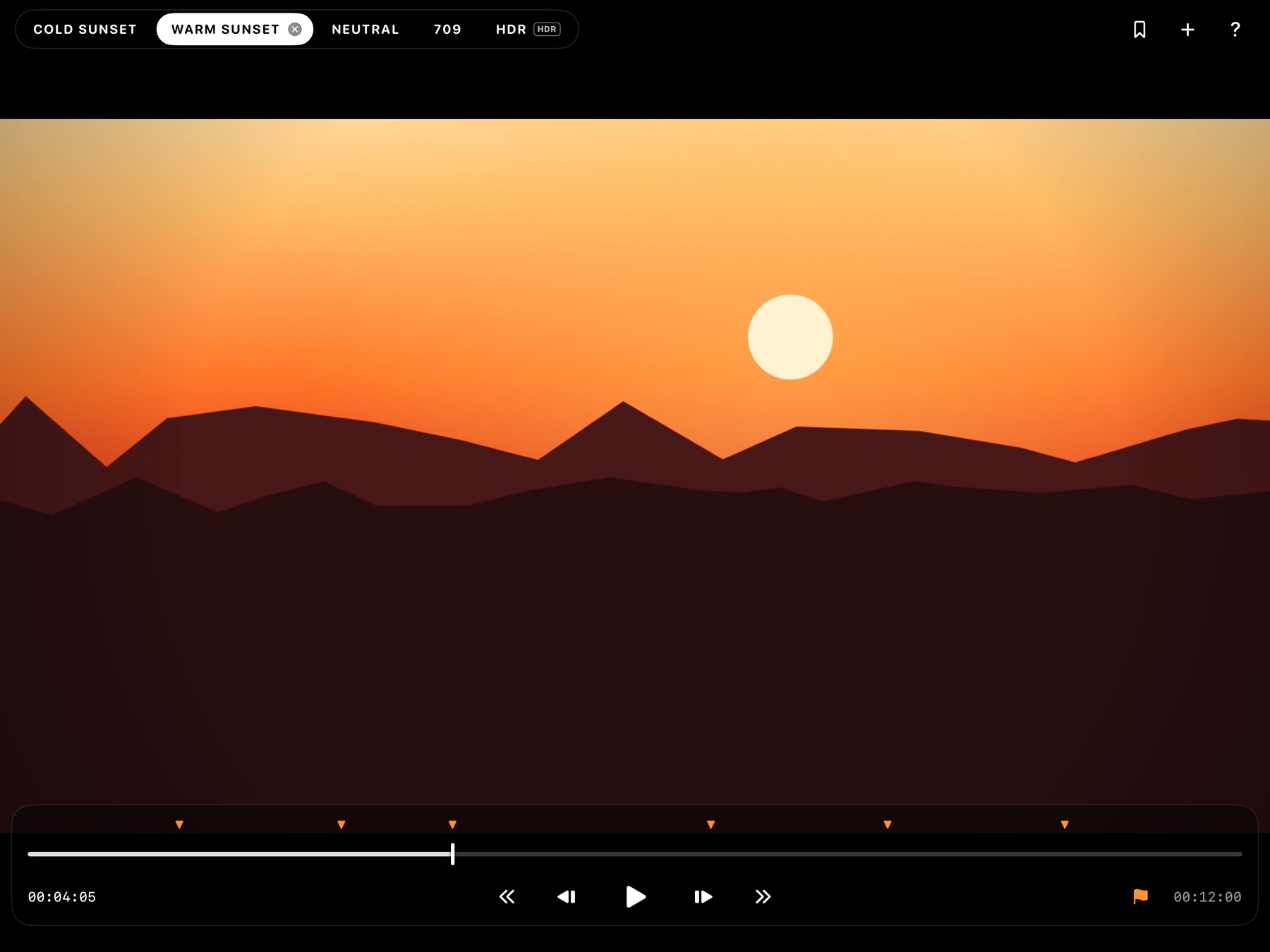
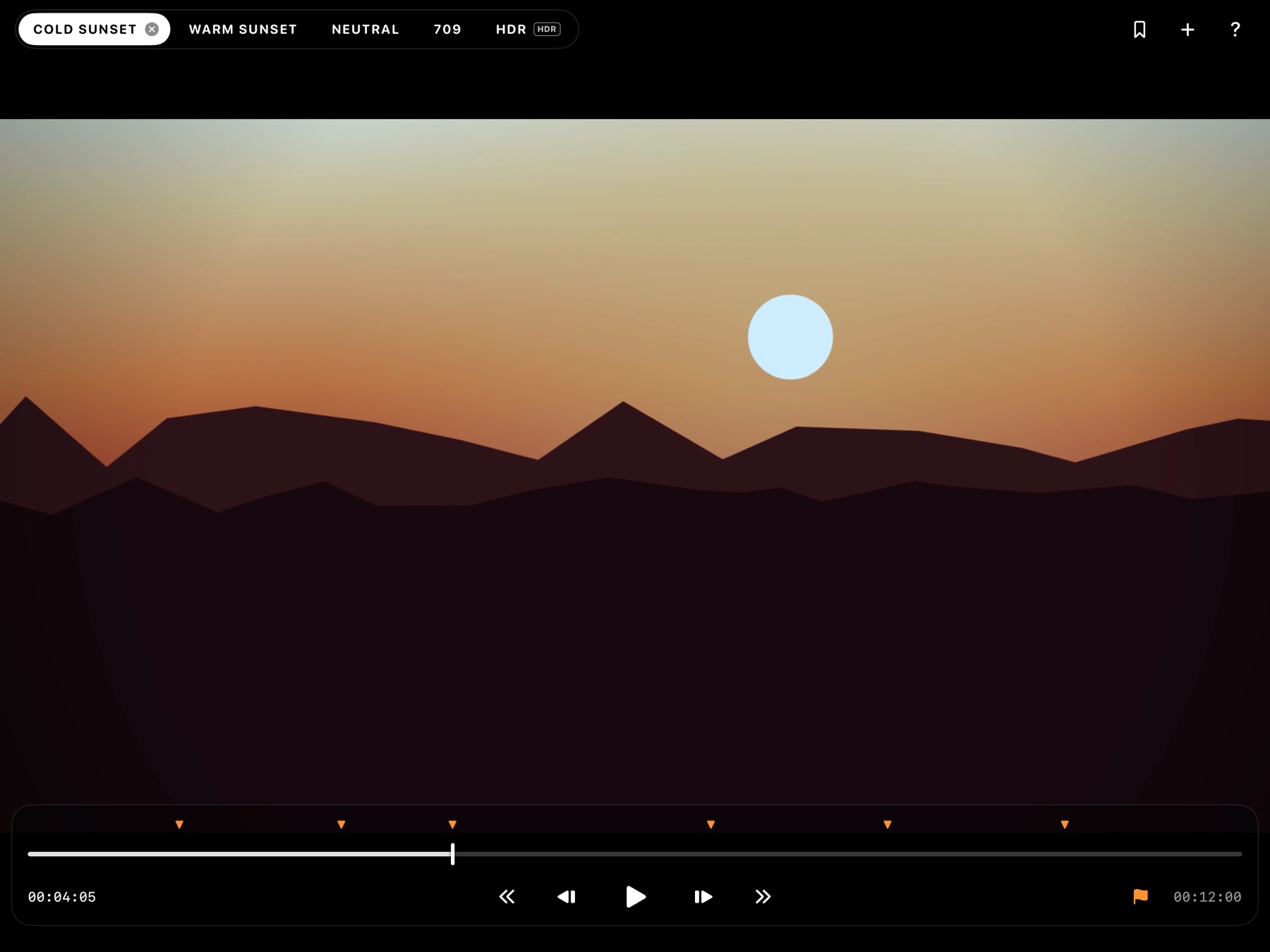
I built ColorWedge to show a DP several grades of the same shot without swiping between stills. Swiping between frames breaks the comparison. Switching between synced layers keeps the frame in place, so only the grade changes.
Jeff Moghadam · Frame Engine Inc.What it does
What it does
Present
Load several versions of a shot
- Video or stills, from Photos or Files
- Name each version whatever you like: Warm, Cool, 709, and so on
- All versions play in sync, so switching between them always shows the same frame
- Double-tap to switch versions with the interface hidden
Transport
Transport
- Full-width scrubber with timecode at the clip's frame rate
- Frame stepping
- Add markers and jump between them
- Space, arrow keys and M work on a hardware keyboard
Detail
Zoom and stills
- Pinch to zoom up to 8×. The zoom stays where it is when you switch versions, so you compare the same crop
- Two-finger tap saves a full-resolution still of what is on screen
HDR
HDR
- HLG and PQ play at full HDR brightness on HDR iPads. Use reference mode
- HDR and SDR versions can sit in the same comparison. HDR versions get a small badge
- Stills saved from HDR footage are HDR
Library
Library
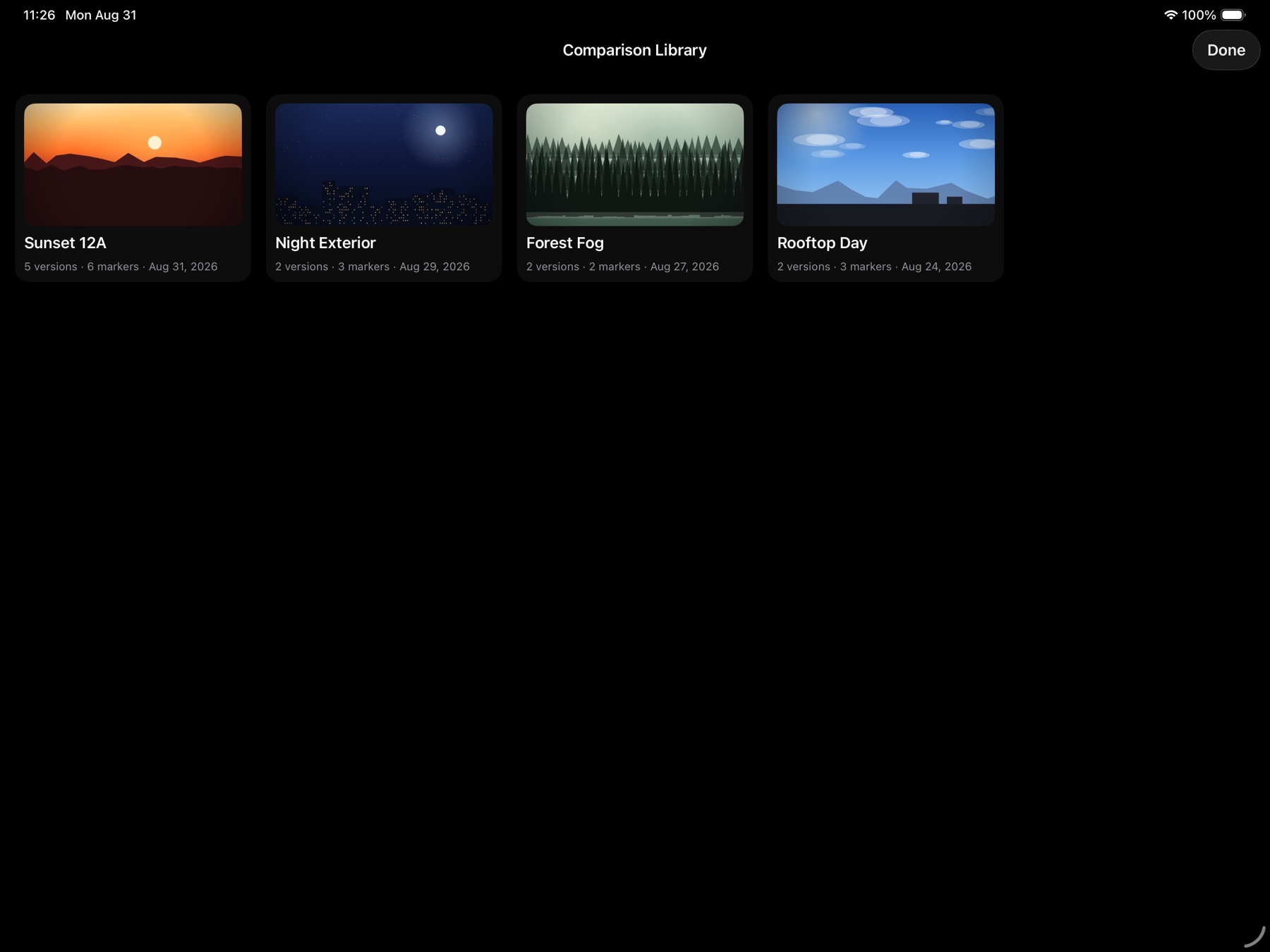
- Save a comparison, with its clips, version names and markers, under a shot name and reload it later
- Browse saved comparisons as thumbnails and swipe from one shot to the next
- Batch grid for many shots at once: rows are shots, columns are versions
Trust
Privacy
- No account, no subscription, no cloud. Footage stays on the iPad
- Full-screen media browser with albums and a video or stills filter
- Originals are copied at full quality
Who it's for